
Start with RF filter types and the wanted spectrum
RF filters select which parts of a spectrum pass and which are attenuated. A bandpass filter preserves a bounded band; low-pass and high-pass filters preserve frequencies on one side of a transition; a notch suppresses a selected unwanted band.
On this page
Begin with the wanted channels, blockers, harmonics, and frequencies that need protection. Define the source and load impedance, power, available space, interface, and acceptance measurements before choosing the filter implementation.
For example, a bandpass filter may protect a receiver channel, while a low-pass filter may suppress transmitter harmonics. The response name describes frequency selection; LC, ceramic, cavity, and other constructions describe how that response is implemented.
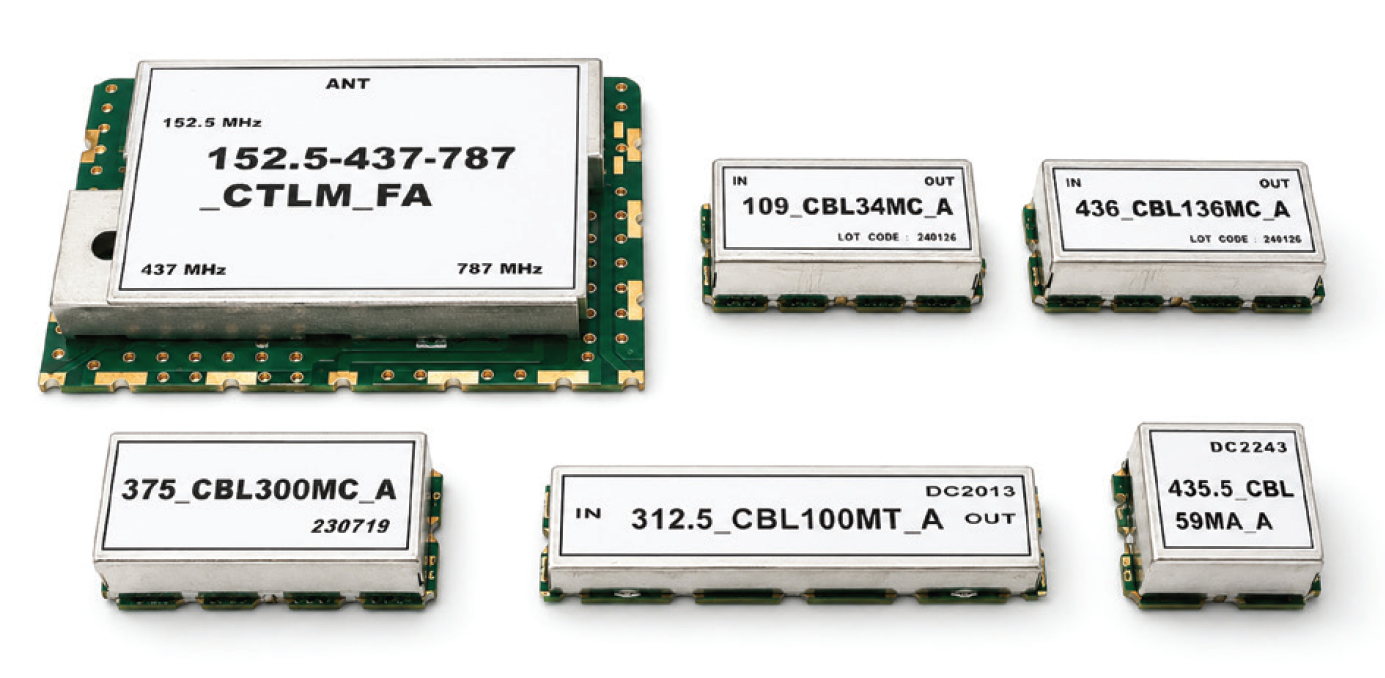
Match the response shape to the application
| Filter type | Wanted region | Typical decision question |
|---|---|---|
| Bandpass | a bounded frequency interval | What must pass, and how close are adjacent blockers? |
| Low-pass | frequencies below a limit | Which harmonics or high-frequency products must be rejected? |
| High-pass | frequencies above a limit | Which low-frequency energy or drift must be removed? |
| Notch | a narrow unwanted region | Which specific interferer must be attenuated while nearby spectrum passes? |
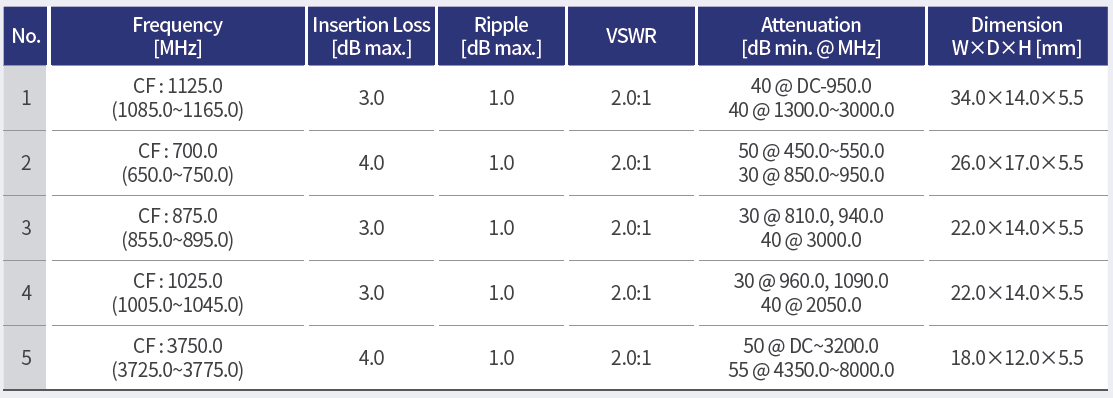
These descriptions are starting points. A real selection also needs transition width, passband ripple, stopband rejection, insertion loss, return loss, group delay where relevant, and impedance across the operating band.
Use transition region and rejection together
The transition region is where the filter moves from wanted behavior to rejection. A narrow transition usually demands a more selective design and may create tradeoffs in loss, ripple, group delay, size, or tuning sensitivity. Record the closest unwanted signal and the attenuation needed at its frequency instead of asking for “sharp filtering” without a boundary.
For a notch, define the notch center, width, depth requirement, and what happens on either side. A notch that removes one blocker but disturbs a wanted channel is not a successful system choice. For a low-pass or high-pass filter, identify the first harmonic or low-frequency interferer that drives the corner decision.
Connect impedance and topology
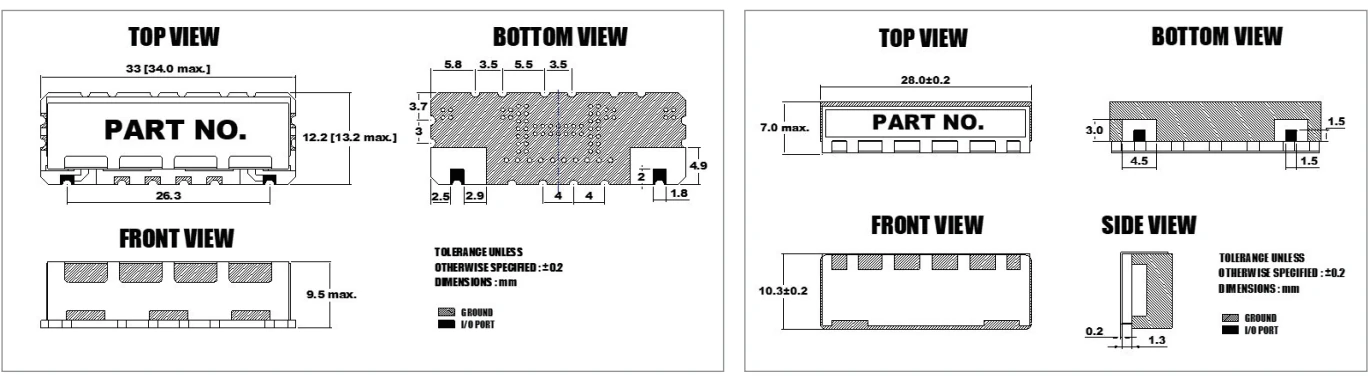
Specify the source and load impedance, number of ports, common or separate paths, terminations, and physical interface. A filter response depends on the surrounding network, so a nominal insertion-loss value without the reference plane and termination condition is incomplete. Keep the schematic, connector transition, cable, and fixture aligned with the measurement record.
Keysight documentation describes reflection and transmission measurements through S-parameters and relates common readings such as return loss, insertion loss, attenuation, and group delay to network-analyzer work. Use that vocabulary to define the test, but write the acceptance limits for the actual application.
Review system topology before choosing parts
Ask whether the filter sits at an antenna port, receiver input, transmitter output, intermediate-frequency path, or shared feed. A filter at a high-power output has different thermal and linearity concerns from one in a low-level receiver path. A notch in a shared path may need isolation and termination control that a simple single-path comparison misses.
Draw the signal flow and mark wanted and unwanted energy at each port. This makes it easier to see whether a bandpass, low-pass, high-pass, or notch response solves the problem or merely moves the interference to another node.
Plan the measurement evidence
Define frequency sweep, calibration, reference plane, fixture, connector, cable, temperature, power, and data format. Keysight’s filter overview lists insertion loss, passband flatness, return loss, VSWR, S-parameters, group delay, and dynamic-range considerations for frequency-selective devices. Select only the measurements that support the system decision, and record the rest as out of scope.
For an application review with MAC technologies Inc., send the wanted bands, blocker frequencies and levels, port impedance, power, mechanical envelope, and acceptance limits. Include the proposed location in the signal chain.
RF technology insights provides broader context, while RF antenna and component resources and the applications hub support the next design review.
Make the choice auditable
Record the chosen response, transition and rejection limits, interface assumptions, and tests required for acceptance. Revisit the choice if the wanted band, blocker environment, or installation changes.
Include the procurement comparison fields in the same record: part or drawing revision, port definition, impedance, power condition, temperature, sweep, and acceptance owner. If the filter is later moved into a module or shared feed, update the topology and reference plane before comparing the old trace with the new assembly. That keeps the four filter choices connected to a real system decision rather than an isolated definition.
When the application has several blockers, rank them by frequency, level, duty condition, and consequence. This avoids overdesigning a distant stopband while missing a nearby signal that drives the transition width. Preserve the blocker map with the chosen topology so a later system change can be evaluated against the same reason for selection.
References
Keysight — Scalar Network Analyzer: Migrating from Scalar to Vector Network Analyzer Systems, “Filters and Frequency Selective Devices,” pp. 13–15.
10 Hints for Making Better Network Analyzer Measurements
https://www.keysight.com/ie/en/assets/7018-02338/technical-overviews/5990-4798.pdf
https://www.keysight.com/mx/en/assets/7018-09086/application-notes/5965-8166.pdf